


Optimise your CUPRA experience with over-the-air updates, the latest software for your CUPRA vehicle.
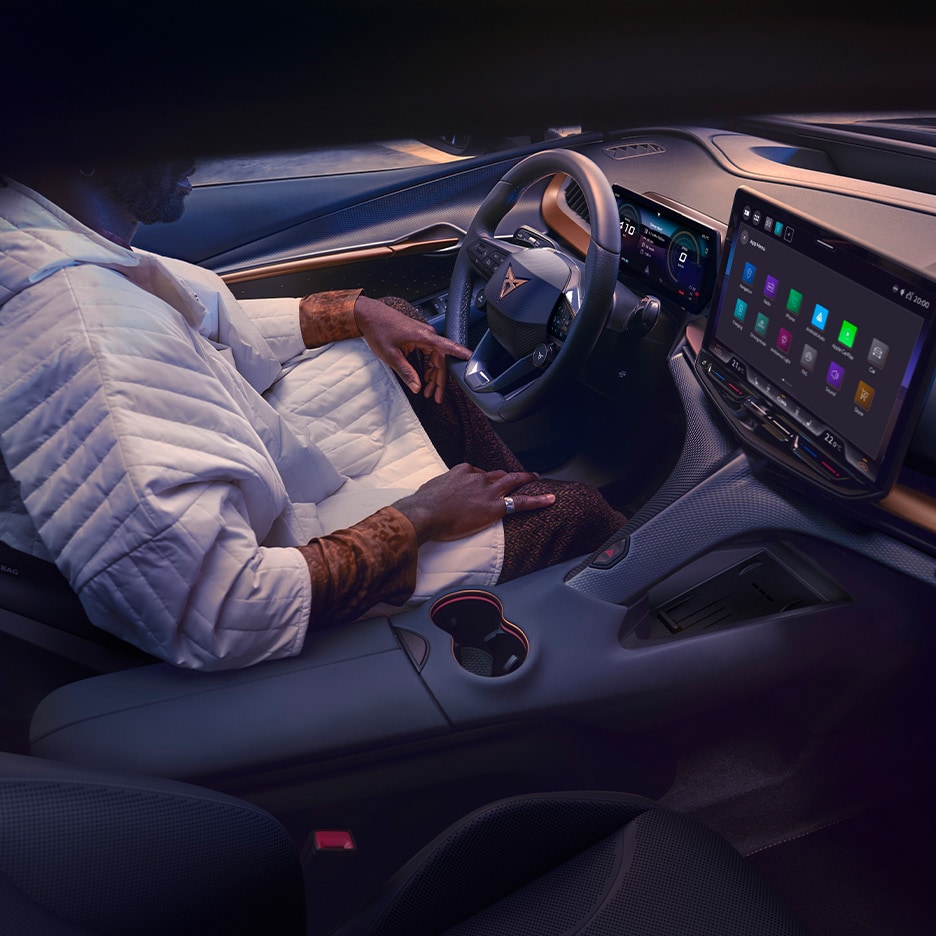
CUPRA vehicles have a fully integrated software. Over-the-Air updates (OTA) brings the latest software to your CUPRA in a remote way by using the vehicle’s network connectivity. These updates are designed to enhance, ensure security, improve functionality, and extend features and capabilities.
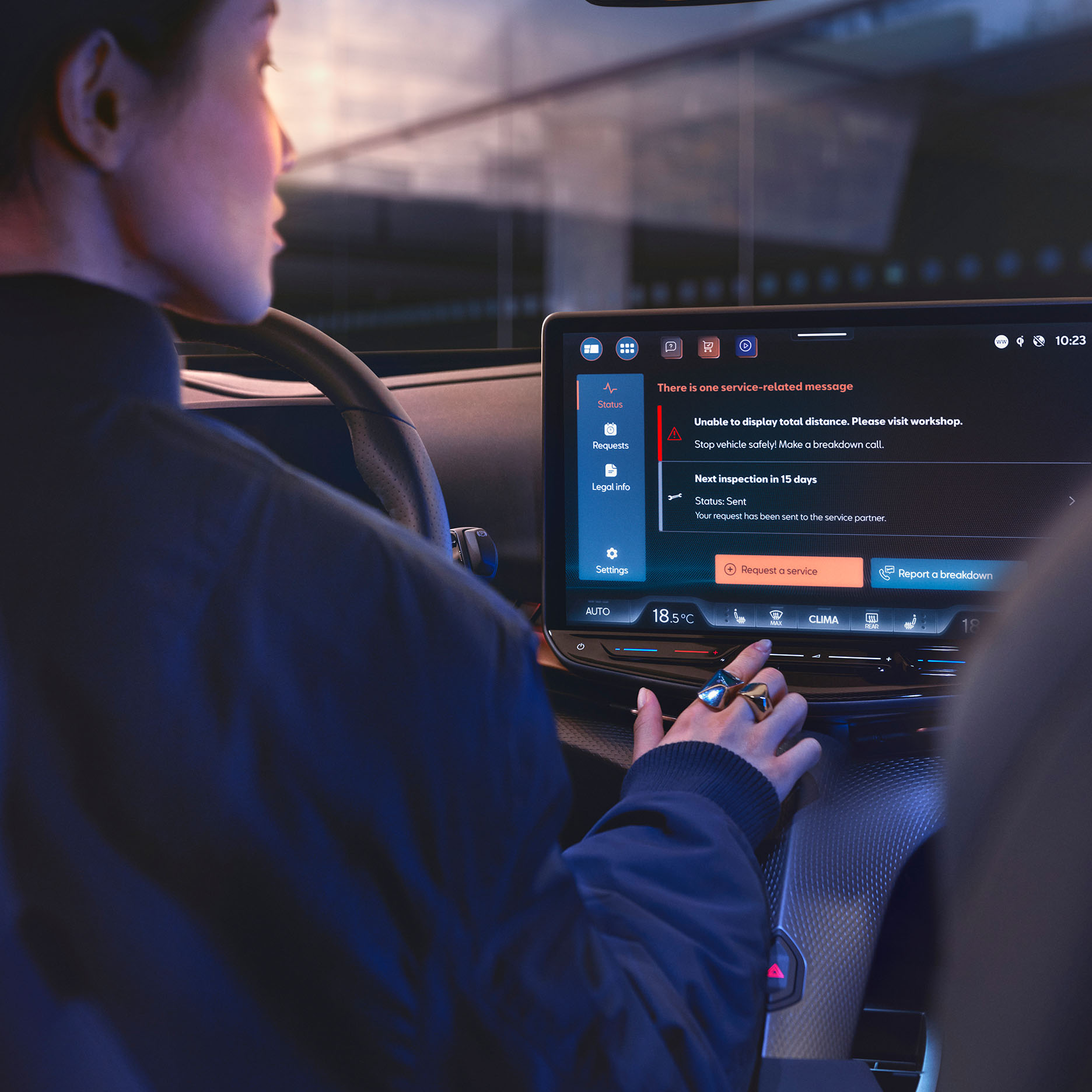
CUPRA CONNECT subscribers are informed via My CUPRA App notification. When updates are available, you will be notified via your infotainment screen. CUPRA CONNECT subscribers are informed via an in-app notification. You may also receive an email informing you about software updates that are specific for your CUPRA.
Ensure the latest connectivity. For further advice, please contact your local CUPRA dealer.

Tap 'Download' (the download will be paused if ignition is turned off).
Ensure the conditions are met: ignition off, tap 'Install' and unlock the future.
Tap “INSTALL” and get off the car. IMPORTANT: You cannot drive your car during the installation so check the update duration for your convenience.
Get ready for an enhanced ride next time you start up your CUPRA. You will receive a pop-up which confirms the installation.
Find below the full list of releases we’ve made to ensure your CUPRA is always in top condition.


No, all updates are provided at no extra charge to our customers.
No, please stop charging and start the installation. Ensure a minimum charging status of 50% for a successful completion.
No, a data connection is required to download and successfully install the updates.
Yes, the high-voltage battery must be at least 50% charged at the start of the installation.
In your infotainment menu, select “Setting” and then go to “System update”. Your current software version will be displayed.
To complete an Over-the-Air Update, CUPRA collects the unique vehicle identification number (VIN), vehicle connectivity and software status, and in-vehicle consent for download and installation. No other personal information is collected or stored by SEAT/CUPRA. This data is used to ensure correct software installation and for documentation of owner consent, following our privacy statement.
Turn off your vehicle to see the notification listed on the “Goodbye Screen” or go to “Setting” - “System update”.
"Release Notes" will be available on your infotainment screen after the update.
If the Over-the-Air Update is still available, you'll receive a prompt to begin the installation process again. Otherwise, contact your SEAT/CUPRA Dealer for next steps.
Green Light On – Ensure the 3-button module in your overhead console has a green light while your vehicle is running. This indicates it's "online" and can communicate with SEAT/CUPRA servers.
Network Coverage – Network coverage is crucial for a successful update. The update uses connectivity and if network connectivity is limited, it will automatically resume when available.
Network Coverage – Network coverage is crucial for a successful update. The update uses connectivity and if network connectivity is limited, it will automatically resume when available
Sometimes, Over-the-Air updates only enhance the background functionality.
Updates are released in waves. You'll receive a notification in your vehicle once the update is available.
No, your personal settings will be retained.
No, the vehicle warranty remains intact.